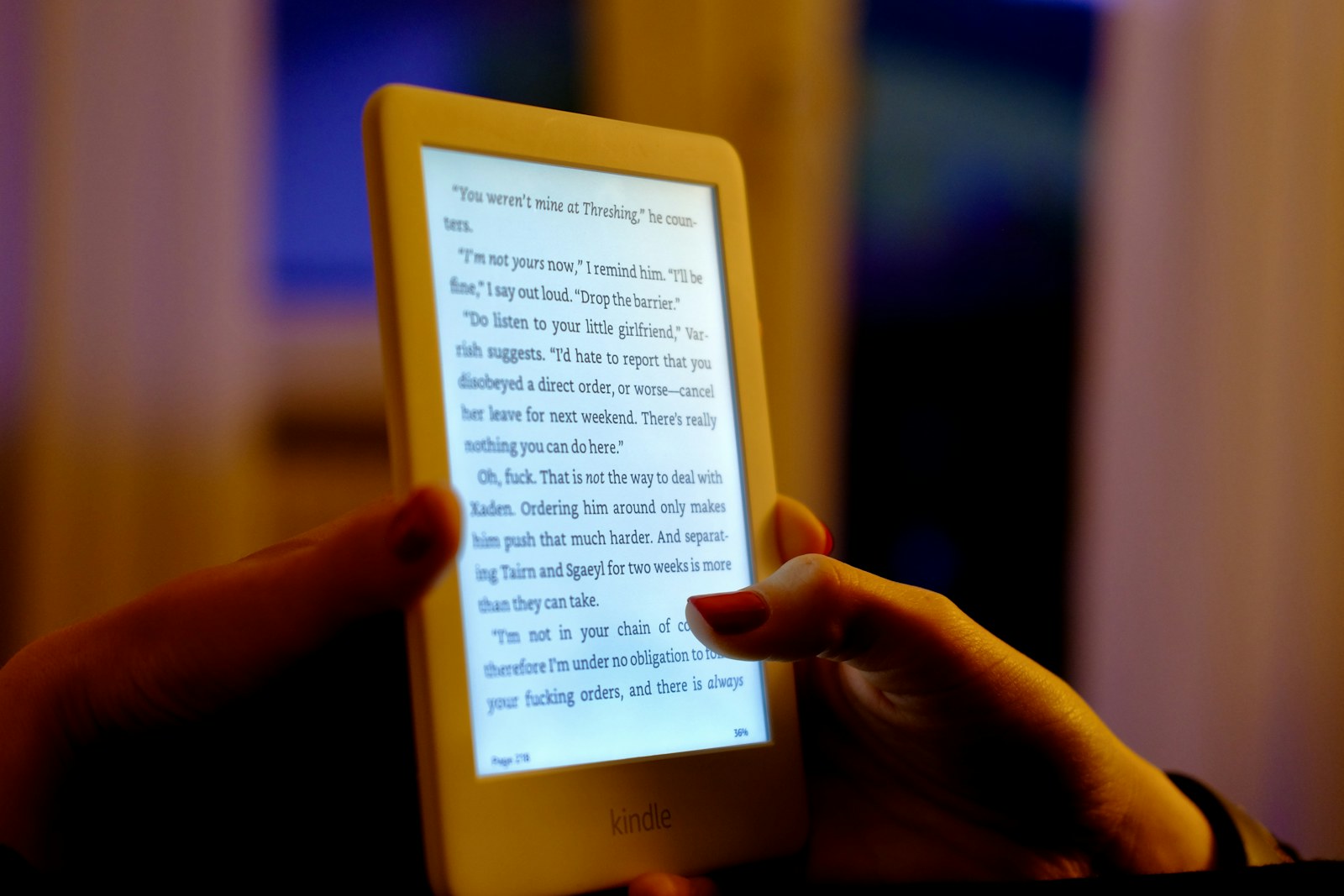
A commuter reads standing on a train, then finishes a chapter in bed while a partner sleeps. On vacation, the same device needs to hold several books without demanding another nightly charge. Screen size, page buttons, front lighting, and bookstore access decide whether that routine feels calm or fiddly.
Quick answer
Choose the book ecosystem first, then the hardware. A compact Kindle suits an established Amazon library, Kobo Libra Colour adds a larger color screen and page buttons, while a BOOX Go model suits readers who need broader Android app access and accept more setup. Current features and availability should be confirmed before purchase.
Frequent readers who value a glare-resistant dedicated screen and a lighter library. Occasional readers who already enjoy a phone or tablet may not benefit enough from another device and account.
Our scenario-based picks
Product links below help you check current availability. We never invent a live price, and our recommendations are not sold to manufacturers.
Best compact mainstream reader
Amazon Kindle
Best for: Commuters with an existing Kindle library
Amazon lists a six-inch glare-free display, USB-C charging, and a compact form designed around straightforward book reading.
Know the tradeoff: The smaller screen provides less room for PDFs, diagrams, and large type, and library borrowing varies by region.
Best for color covers and page buttons
Kobo Libra Colour
Best for: Readers who want a seven-inch color E Ink screen and physical page controls
Kobo publishes a seven-inch Kaleido 3 display, page-turn buttons, waterproofing, and optional stylus support.
Know the tradeoff: Color E Ink is more muted than a tablet and the device costs more than a basic monochrome reader.
Best for flexible reading apps
BOOX Go 7
Best for: Experienced users who need multiple reading services on one E Ink device
BOOX positions the Go series around a seven-inch display and an Android-based app environment for broader format and service access.
Know the tradeoff: More settings and third-party apps create complexity, and app behavior on E Ink can be less polished than on a phone.
Start with where your books live
An e-reader is tied to its store, account, file support, and borrowing options. List your purchased books, library service, subscriptions, and personal documents before comparing screen specifications.
Moving protected books between ecosystems may be restricted. Check official documentation for library borrowing and file transfer in your country rather than assuming every EPUB or audiobook will move freely.
Match screen size to posture and content
A six-inch reader is easy to hold one-handed on public transport. Seven inches gives larger type more breathing room, while bigger note-taking models make PDFs easier but become less comfortable overhead in bed.
Color E Ink helps with covers, highlights, maps, and some comics, but it does not look like a bright LCD tablet. Monochrome readers remain a strong fit for novels and long-form text.
Treat lighting and controls as comfort features
A warm front light can feel more pleasant at night, and physical buttons let you turn pages without shifting grip. Automatic brightness is convenient but not essential if manual adjustment is quick.
Water resistance is useful near pools and baths but does not make a device invulnerable. Cases add protection and weight; magnetic covers may also provide automatic sleep and wake behavior.
Build a travel reading routine
Download books, dictionaries, and any required app updates before leaving reliable Wi-Fi. Turn on airplane mode when connectivity is unnecessary, and pack one cable that matches the reader rather than assuming the hotel will have it.
Use a rigid-front case when the device shares a bag with chargers and bottles. E Ink screens can be vulnerable to pressure even when the body looks undamaged.
Avoid buying for hypothetical habits
Handwriting, audiobooks, web browsing, and color all sound appealing, but every extra capability can add cost and complexity. Buy for the reading you already do most often, then treat secondary features as bonuses.
Check current model names carefully because older stock can remain for sale. Compare the exact generation, storage, ad status, warranty, and regional storefront before following a retail listing.
Before you buy
- List the stores and library services you already use
- Check supported book, document, and audiobook formats
- Choose a screen size you can hold for an hour
- Decide whether warm light and page buttons matter
- Confirm waterproofing for pool or bath use
- Download travel books before departure
- Verify the exact model generation and return terms
Frequently asked questions
Is a color e-reader good for comics?
It can suit color covers, highlights, and some illustrated books, but the colors are muted and page size is still important. A tablet may be better for vivid art and fast zooming.
How much e-reader storage do I need?
Text books are usually small, while audiobooks, comics, and PDFs use more space. Review your actual library and whether cloud re-downloads will be available while traveling.
Can an e-reader reduce bedtime distraction?
A dedicated reader removes many phone alerts, but it does not guarantee better sleep. Keep brightness comfortable, use device settings intentionally, and follow the sleep routine that works for you.
Sources and further reading
Specifications and compatibility details were last checked on October 25, 2026. Manufacturer pages can change; confirm the current product page before purchasing.