
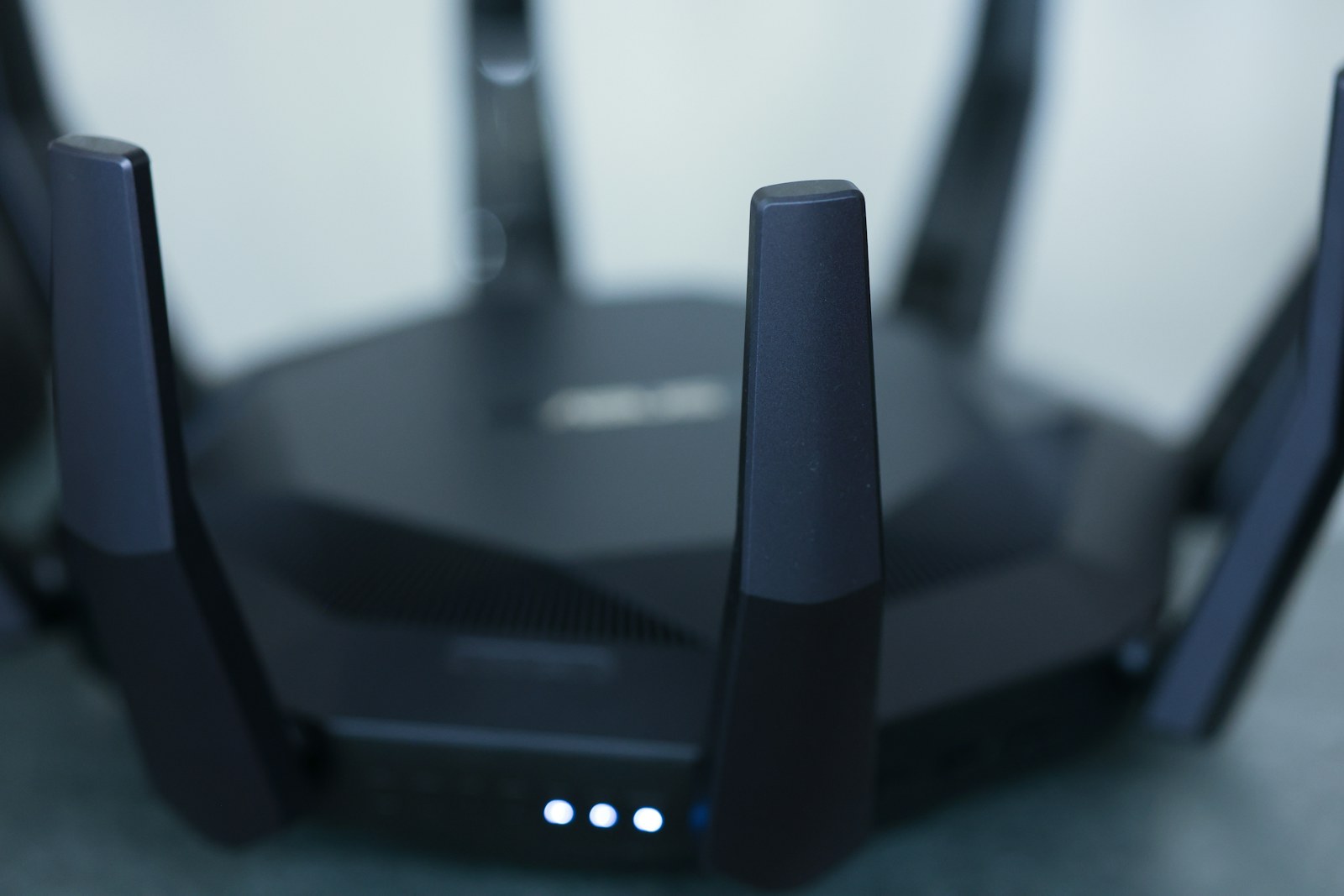
Two people join video calls upstairs while a console downloads a game, doorbells and speakers stay connected, and one bedroom still drops to a weak signal. The temptation is to buy the fastest mesh kit available, yet the real fix may be a better node location, Ethernet between floors, or one additional unit rather than a premium specification tier.
Quick answer
Map the dead zones and wired options before shopping. eero 7 offers a simpler dual-band entry, TP-Link Deco BE63 adds tri-band 6 GHz and multiple 2.5-gigabit ports, and Netgear Orbi 770 targets a higher-end tri-band setup. Published throughput and coverage figures are not guarantees in a particular home.
Households replacing an aging router, adding multi-gigabit internet, or building a network expected to serve newer Wi-Fi 7 devices. A stable Wi-Fi 6 or 6E system does not need replacing merely because a new standard exists.
Our scenario-based picks
Product links below help you check current availability. We never invent a live price, and our recommendations are not sold to manufacturers.
Best simpler Wi-Fi 7 entry
eero 7
Best for: Homes that value guided app setup and modest wired needs
eero publishes a dual-band Wi-Fi 7 design with two 2.5-gigabit Ethernet ports and support for wired or wireless mesh links.
Know the tradeoff: Dual-band backhaul shares radio capacity with clients when nodes are not wired, and advanced controls may be limited or subscription-dependent.
Best for multi-gigabit wired flexibility
TP-Link Deco BE63
Best for: Homes with several fast wired devices or Ethernet backhaul
TP-Link lists tri-band Wi-Fi 7 with a 6 GHz band and four 2.5-gigabit Ethernet ports per unit.
Know the tradeoff: Its feature set is unnecessary for a modest connection and a mostly older client mix; some security features have separate service terms.
Best premium tri-band alternative
Netgear Orbi 770 Series
Best for: Larger layouts where a higher-end mesh and multi-gigabit ports fit the plan
Netgear publishes a tri-band Wi-Fi 7 architecture, 2.5-gigabit networking, and dedicated system management for the Orbi 770 line.
Know the tradeoff: Premium hardware and add-on service options can raise total ownership cost, while layout still controls real coverage.
Backhaul decides how nodes talk
Wireless backhaul is easy to deploy, but each satellite needs a strong connection to the main router. Putting a node inside the dead zone repeats a weak link; place it partway toward the problem room.
Ethernet backhaul gives nodes a dedicated wired path and is often the most dependable upgrade between floors. Check whether every unit supports wired backhaul and whether its port speed matches the internet service and local devices.
Count bands, ports, and compatible clients
Wi-Fi 7 capabilities such as Multi-Link Operation depend on support at both ends and may vary with firmware, region, and device. Older phones and smart-home products still connect using their own standards and can benefit from better coverage without becoming Wi-Fi 7 devices.
Count televisions, consoles, network storage, and switches that need Ethernet. A kit with more fast ports may avoid another switch, while a simpler system is enough when only the modem and one desktop are wired.
Read the service terms around the router
Core routing should continue without an optional security plan, but parental controls, threat filtering, historical insights, or backup connectivity may require subscriptions. Compare what remains after any trial ends.
Also check update policy, guest networking, IoT isolation, local management, account requirements, and data practices. The router sits in front of every connected device, so support and security matter beyond peak speed.
Plan placement before opening the box
Put the main router in the open, near the center of the active area, and away from cabinets, aquariums, and large metal objects. Place satellites where they can still receive a good connection rather than at the far edge of coverage.
Start with fewer nodes and measure normal rooms before adding more. Too many closely spaced radios can create unnecessary overlap, while thick masonry, floor heating, and neighboring networks can change the result in ways a coverage claim cannot predict.
Upgrade without breaking the smart home
Reuse the old network name and password only if devices behave reliably; otherwise migrate in groups and document important settings. Separate 2.4 GHz onboarding can require temporary app steps even on a unified mesh.
Update firmware, change the administrator password, enable multi-factor authentication where offered, and keep the old router available until critical work, cameras, locks, and printers are confirmed. Return policies are valuable because every building behaves differently.
Before you buy
- Draw the modem location, floors, and current dead zones
- Check whether Ethernet backhaul is available
- Match WAN and LAN ports to the actual internet plan
- Count wired devices and newer Wi-Fi 7 clients
- Review subscription-gated security and parental controls
- Confirm ISP modem or gateway compatibility
- Keep the old router until critical devices are tested
Frequently asked questions
Will Wi-Fi 7 make every device faster?
No. Client hardware, internet service, signal quality, interference, and the remote service all limit speed. Older devices connect using the standards they support.
How many mesh nodes do I need?
There is no reliable room-count formula. Start from layout, materials, and placement, then add a node only where testing shows the existing units cannot provide a stable link.
Is Ethernet backhaul worth it?
It is often worthwhile between floors or in challenging construction because it gives mesh nodes a stable path that does not compete for the same wireless airtime.
Sources and further reading
Specifications and compatibility details were last checked on October 25, 2026. Manufacturer pages can change; confirm the current product page before purchasing.