
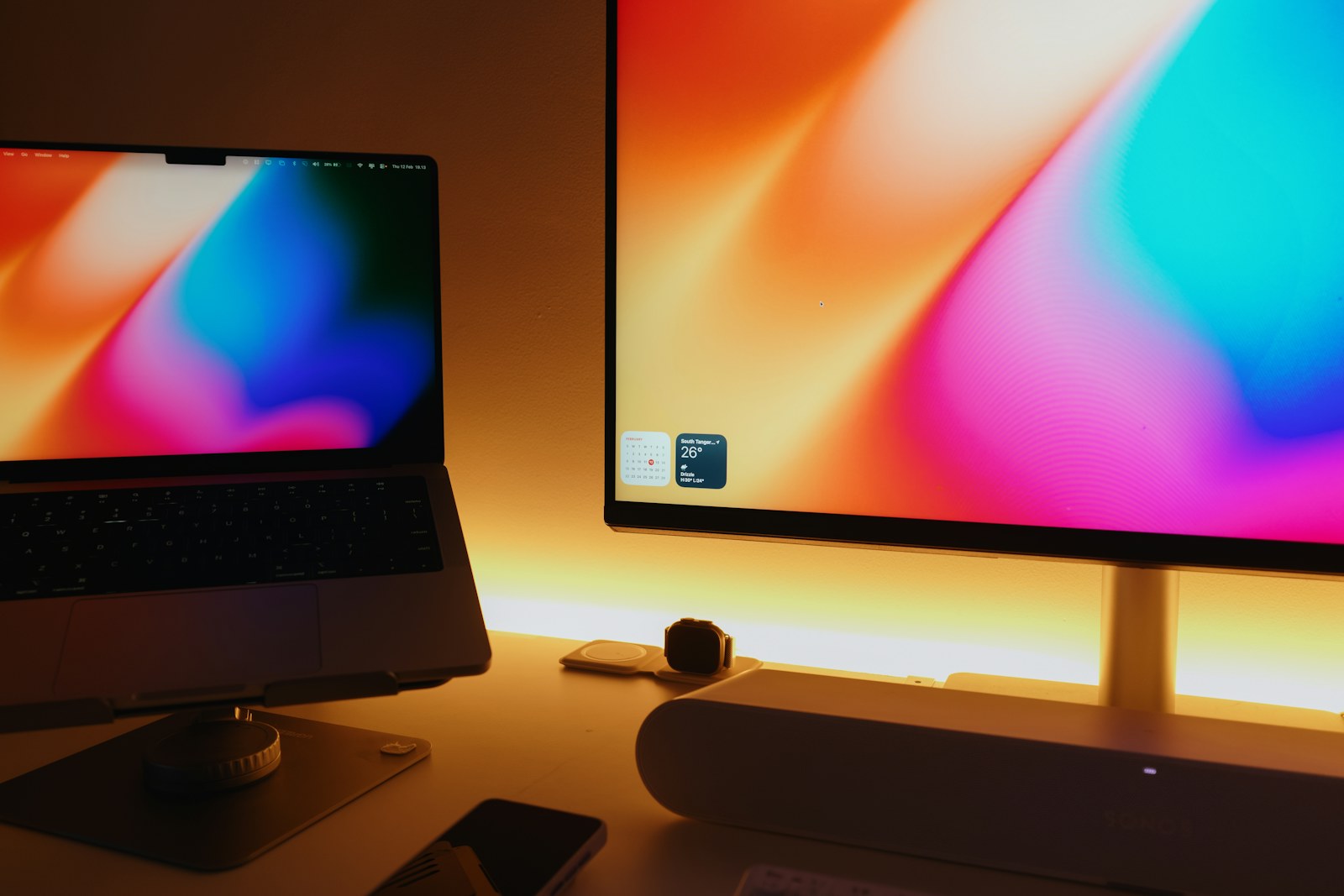
A consultant spends two days at home, one day in a client meeting room, and the rest moving between a train and a small hotel desk. A spreadsheet on the laptop and reference notes on a second display would reduce window juggling, but a fragile screen, loose kickstand, or incompatible USB-C port can turn that convenience into another item that stays in the bag.
Quick answer
Buy around the weakest part of the setup: the laptop port, available power, desk depth, and total carried weight. A 14-inch touch model is easier to move, a 16-inch 16:10 panel gives documents more room, and a larger portable display suits a semi-permanent desk. The distinctions below use published manufacturer specifications, not hands-on testing.
Hybrid workers, students, and travelers who regularly need two visible applications away from a permanent desk. Someone who only needs a second screen once a month may get better value from an existing tablet or a fixed monitor at the main workspace.
Our scenario-based picks
Product links below help you check current availability. We never invent a live price, and our recommendations are not sold to manufacturers.
Best for a roomy mobile desk
ASUS ZenScreen MB16QHG
Best for: Travelers who value a taller 16:10 work area and smooth scrolling
ASUS publishes a 16-inch 2560-by-1600 IPS panel, 120 Hz refresh rate, two USB-C DisplayPort Alt Mode inputs, and HDMI connectivity.
Know the tradeoff: At about 1.2 kilograms before cables, it is a meaningful addition to a light travel bag, and it has no built-in speakers.
Best for touch and annotation
Lenovo ThinkVision M14t Gen 2
Best for: Windows users who sketch, sign, or navigate directly on the screen
Lenovo lists a 14-inch 16:10 display, ten-point touch, pen input, and two USB-C ports in a comparatively compact design.
Know the tradeoff: Touch and pen features add cost, and Lenovo lists Windows support, so buyers should verify behavior with every host device.
Best for a larger temporary desk
LG gram +view 17
Best for: People who move between a few work locations rather than carrying a screen daily
LG presents the 17-inch gram +view as a 16:10 IPS portable display with an integrated stand and sleeve.
Know the tradeoff: Its larger footprint is less convenient on narrow café tables, tray tables, and crowded backpacks.
Confirm that USB-C carries video
A USB-C connector does not guarantee DisplayPort Alt Mode or Thunderbolt video. Check the laptop manual and the monitor input table before ordering, especially on budget notebooks whose USB-C port may handle data and charging only.
HDMI provides a useful fallback, but the monitor may still need separate USB power. Pack the exact cable and adapter combination you tested rather than assuming a conference room cable will solve it.
Treat the stand as part of the display
A thin panel is not useful if its cover stand slips on a polished table or only holds one awkward angle. Look at the stand footprint, portrait support, hinge range, and whether the screen can sit beside an elevated laptop without blocking it.
If the screen will live on a fixed desk, a VESA-compatible arm can be more stable. For travel, a built-in kickstand avoids a loose accessory but may increase thickness.
Balance brightness, pixels, and power
High resolution makes text crisp, yet scaling can reduce the usable workspace and older laptops may offer fewer refresh-rate options. Brightness matters near windows, while a matte surface can be more useful than a headline contrast figure in uncontrolled rooms.
Some panels draw all their power from the laptop, which shortens unplugged runtime. Pass-through charging can simplify the desk only when the monitor and charger provide enough power for the computer.
Pack a complete two-screen routine
Use a padded sleeve, put pressure-sensitive panels against the flat side of the bag, and carry a short known-good USB-C cable. A folding laptop stand plus compact keyboard can align both displays and prevent the laptop keyboard from pushing the portable panel too far away.
Test sleep, wake, rotation, scaling, and video calls before a trip. Managed work laptops may restrict drivers or touch utilities, so confirm the basic display path without optional software.
Know when a fixed monitor is the better buy
A stationary monitor generally offers a steadier stand, more ports, larger screen, and better ergonomics for the money. If most work happens at one desk, put the budget there and use virtual desktops when traveling.
A portable monitor makes sense when a second visible document regularly saves time in multiple locations. Choose a seller with a clear return policy because panel defects, USB-C quirks, and stand preferences are difficult to judge from a specification sheet.
Before you buy
- Verify video output on the laptop USB-C port
- Check whether HDMI needs separate monitor power
- Add display, sleeve, stand, and cables to the packed weight
- Compare 16:9 and 16:10 for your applications
- Confirm operating-system scaling and touch support
- Measure the smallest desk where it will be used
- Review the seller return and pixel policies
Frequently asked questions
Can one USB-C cable power the monitor and carry video?
Sometimes. Both devices and the cable must support the required video and power modes. Confirm the published port specifications for the exact laptop and monitor.
Is 4K necessary on a portable monitor?
Usually not. At 14 to 16 inches, a lower native resolution can already look sharp and may be easier for scaling and power use. Choose based on text size and host capability.
Will a portable monitor work with a phone or game console?
Only when the source outputs a compatible video signal and the monitor receives enough power. Check each device combination rather than relying on the connector shape.
Sources and further reading
Specifications and compatibility details were last checked on October 25, 2026. Manufacturer pages can change; confirm the current product page before purchasing.